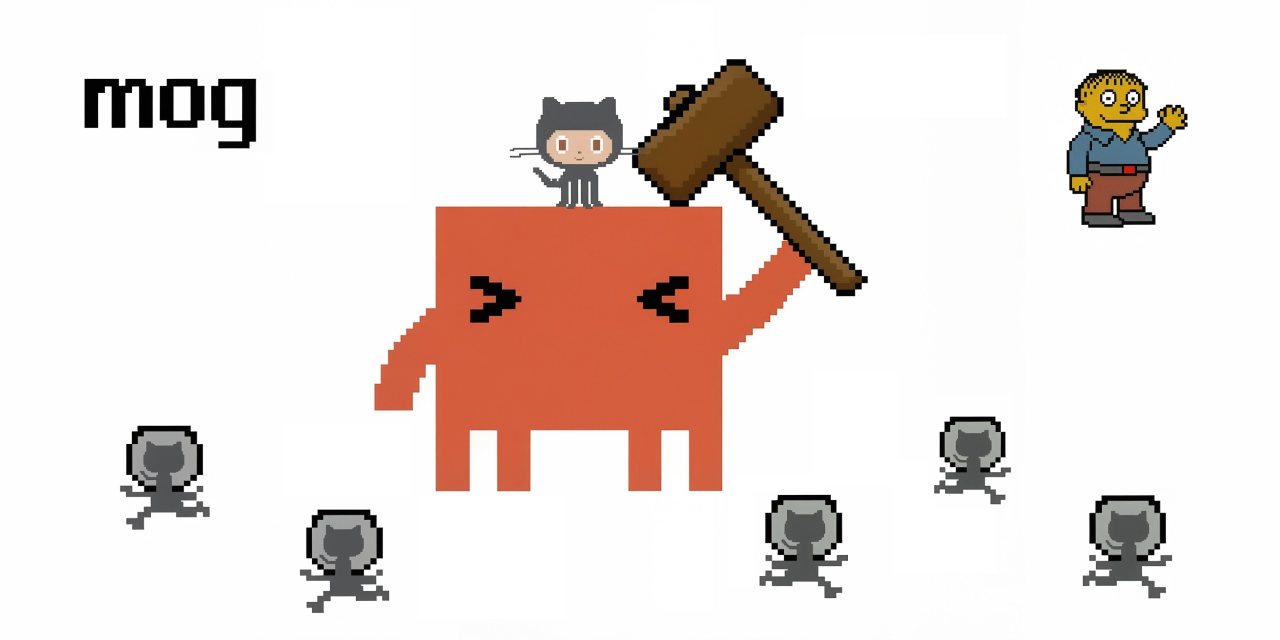
How It Started 🚀
Thursday afternoon at the Boston WeWork. We’d been using Claude Code’s web interface to knock out GitHub issues, but the workflow was painful. Copy the issue description. Paste it into Claude. Manually shuttle context back and forth. There had to be a better way to get Claude to just read the issue and fix it.
We also had a security problem. Claude Code’s --dangerously-skip-permissions flag lets the agent run wild — editing files, executing commands, doing whatever it takes to finish the job. Powerful, but we weren’t about to run that on our local machine with access to everything.
So we built mog.
The Problem 💥
Two pain points drove the project:
-
No automatic issue ingestion. Claude Code doesn’t natively pull GitHub issue descriptions and work through them autonomously. You end up being the middleman, copying context between GitHub and your terminal.
-
Security concerns with unrestricted permissions. Running
--dangerously-skip-permissionson your host means Claude has access to your entire filesystem, your credentials, everything. That’s a non-starter for any security-conscious developer.
We wanted a tool that could take a GitHub issue number and produce a pull request — without babysitting it, and without giving an AI agent the keys to our kingdom.
The Solution 📦
mog is a CLI that bridges the gap. It runs on your host machine, fetches the issue details using gh, then spins up Claude Code inside a Docker sandbox to do the actual work. Think of it as a security boundary — Claude gets --dangerously-skip-permissions inside the container, but the container itself is isolated. Your GitHub token, your SSH keys, your local files — none of it is accessible from inside the sandbox.
Here’s the flow:
- Validate — Checks that
gh,git, anddockerare installed - Fetch — Pulls the issue title, body, and labels via
gh issue viewon the host - Branch — Creates a clean git worktree on a new branch (e.g.,
123-fix-broken-login) - Plan — Sends a planning prompt to Claude inside the sandbox, which creates an
IMPLEMENTATION_PLAN.mdwith a checklist of atomic tasks - Build — Iterates through each task in the plan, prompting Claude to implement them one by one
- Cleanup — Removes the implementation plan with a final commit
- Ship — Pushes the branch and opens a PR with
Closes #<issue>in the body
The host handles all GitHub authentication. The sandbox handles all code generation. Clean separation.
The Ralph Wiggum Loop 🔄
Here’s the thing about AI agents: they quit early. They’ll do 80% of the work, declare victory, and leave you to mop up the rest. Anyone who’s used coding agents has felt this pain.
mog solves this with what’s called the Ralph Wiggum loop, inspired by a brilliant post from Geoffrey Huntley. The concept is simple — keep re-prompting the agent until the job is actually done, like Ralph Wiggum from The Simpsons stubbornly trying until he gets it right.
In practice, mog reads the implementation plan after each Claude iteration. If there are still unchecked tasks, it sends Claude back in with a focused prompt for the next item. If Claude stalls — no commits, no progress — mog detects it and bails after two consecutive stalls. The loop caps at 30 iterations by default, which is more than enough for most issues.
The result? You point mog at an issue, walk away, and come back to a PR. The Ralph loop is what makes the difference between “AI did some of it” and “AI actually finished.”
Get Started 🛠️
mog is published on npm as @bobbyg603/mog. Install it globally with Bun:
bun install -g @bobbyg603/mogRun the one-time setup to create the Docker sandbox and authenticate:
mog initThen point it at any issue:
mog owner/repo 123That’s it. mog fetches the issue, plans the implementation, builds it inside a Docker sandbox, and opens a PR. Go grab a coffee. Or go home for the night.
The source code is available on GitHub. It started as a bash script and grew into a Bun-based TypeScript CLI — which is fitting, since the whole point is that good tools evolve from real frustration.
What’s Next 🔮
mog was built in an afternoon because the pain was real. Claude Code is an incredible tool, but the gap between “AI can write code” and “AI can close issues autonomously” needed bridging. mog is that bridge — with the security model to make it practical for real projects.
The plan is to keep iterating. Smarter stall detection, better plan generation, maybe even multi-issue batching. The foundation is solid and the Ralph loop ensures things actually get done.
Have you automated your GitHub workflow with AI? Tell us about it on X @workingdevshero!