Markydowny
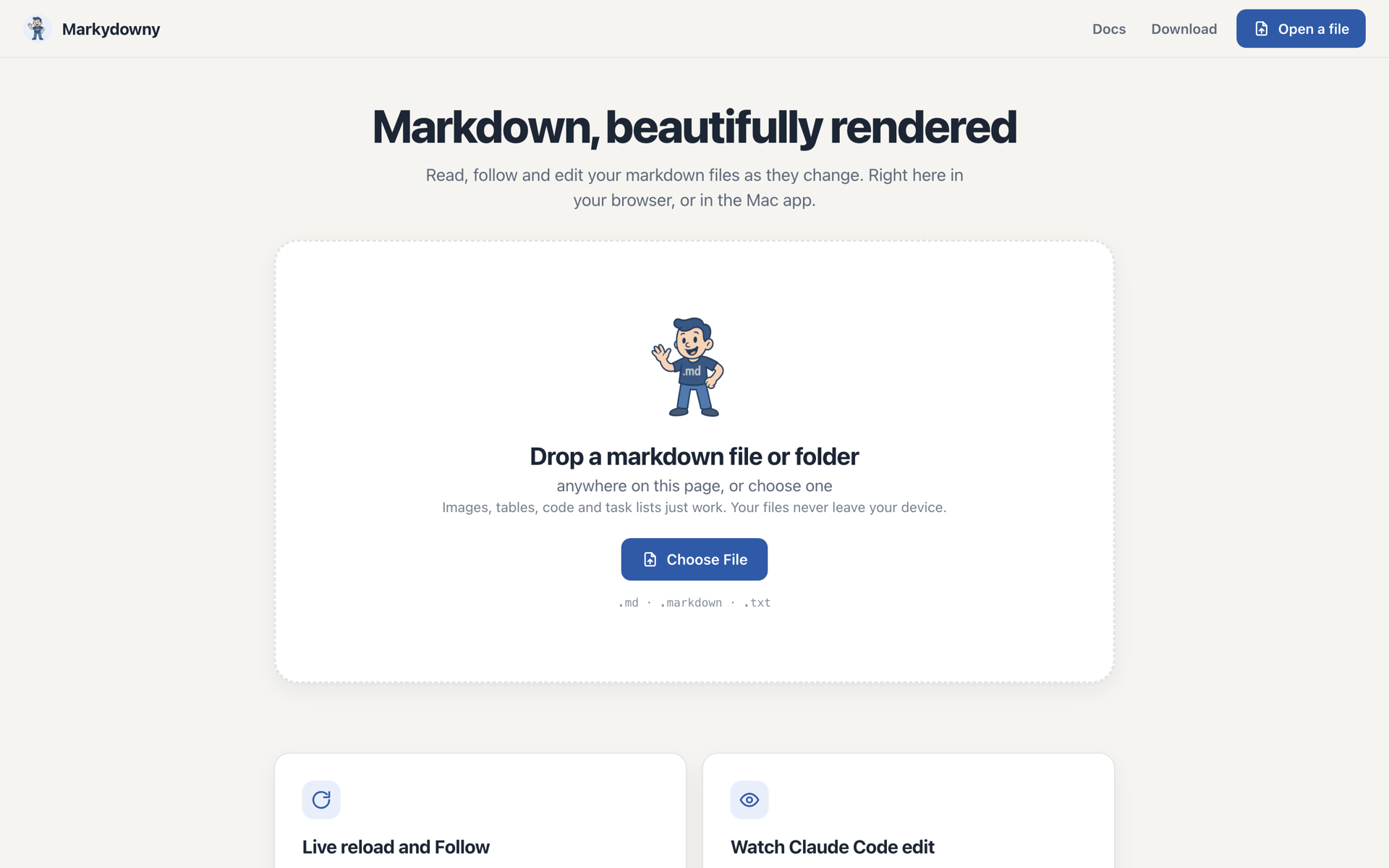
A markdown viewer and editor for the web and macOS. Leave a doc open and watch Claude edit it live, and edit formatted or as raw markdown. On macOS, documents open as native window tabs.
Screenshots
Overview
Markydowny started as a drag-and-drop markdown viewer in the browser. It's now also a native macOS app that opens .md files from Finder, reloads them live as they change on disk, opens them as native window tabs, and edits them in place. The website and the app run the same code, and your files never leave your device.
The Challenge
Markdown rendering options for cloned GitHub repos are limited. When you clone a repository locally, viewing README files and documentation with proper formatting typically requires installing tools, setting up local servers, or copying content into online editors.
Most existing solutions either require installation, lack support for embedded images with relative paths, or can't handle entire folders of markdown files. Developers needed a simpler way to quickly preview markdown content without any setup friction.
Then coding agents changed how docs get written. When Claude Code is rewriting a README or a design doc, you want to see the rendered result as it changes, not reopen the file after every edit. And when you want to fix something yourself, most rich-text editors rewrite the whole file on save: lists change bullet style, tables get re-padded and lines get re-wrapped. That's a messy diff in a git repo.
Our Solution
Markydowny is a zero-installation markdown viewer that works entirely in the browser, and a native macOS app for when you want .md files to open with a double-click. Drag and drop a markdown file or an entire folder to instantly see beautifully rendered content with syntax highlighting.
What sets Markydowny apart is its intelligent handling of folders and images. When you drop a folder containing markdown files, the app automatically finds all markdown files and lets you select which one to view. In the macOS app, that list can also open them all as tabs or watch the folder. Relative image paths are automatically resolved from the folder structure, so embedded images display correctly.
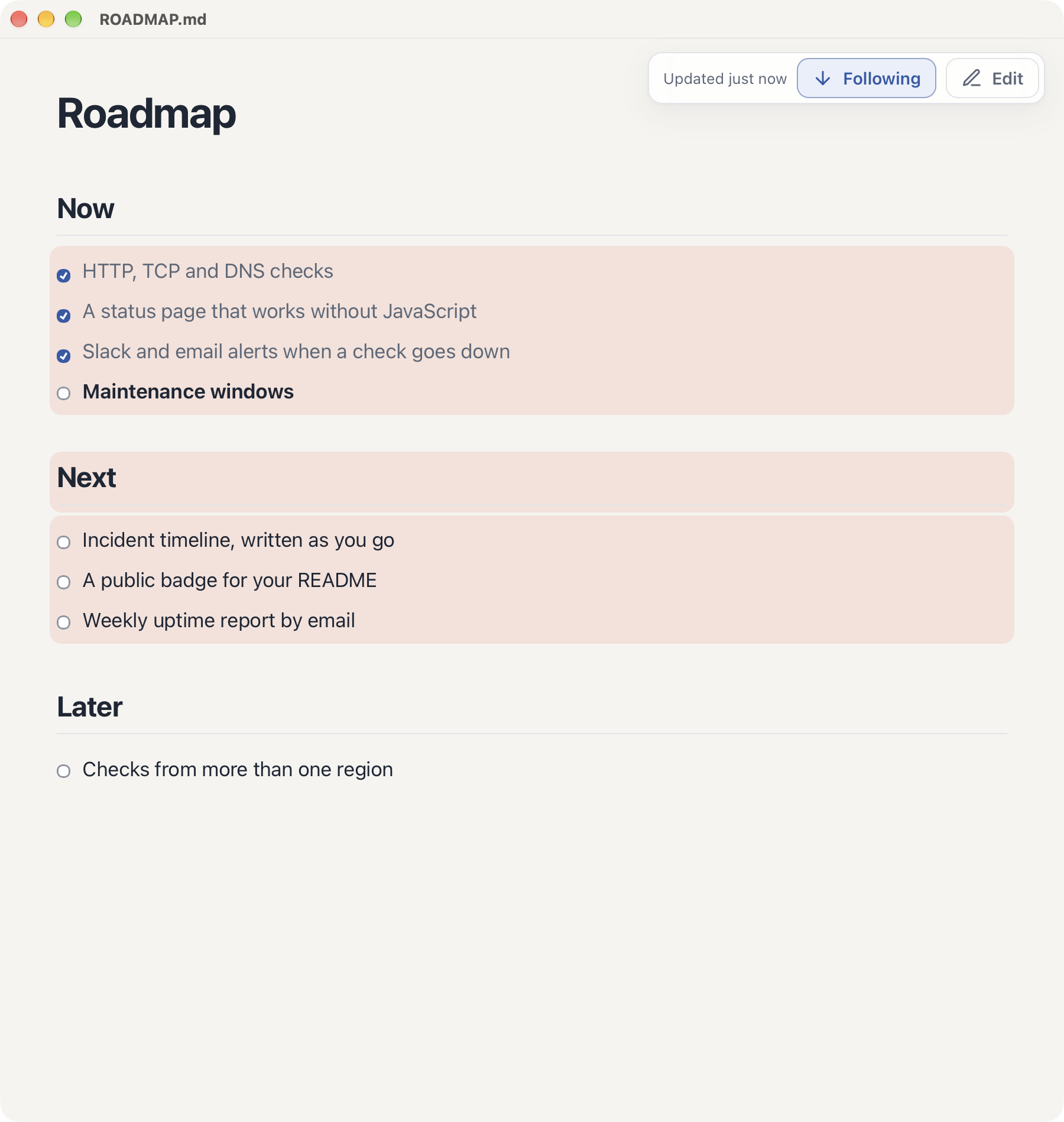
Watch Claude edit your docs. An open document re-renders the moment the file changes on disk. Follow mode highlights the blocks that changed and scrolls them into view. In the macOS app, watch a folder and one window follows whichever markdown file changed most recently. A documented Claude Code hook opens every markdown file Claude edits, without pulling focus from your terminal. In Chrome and Edge, the website live-reloads a file you open with the file picker; Safari and Firefox read files once and don't watch them.
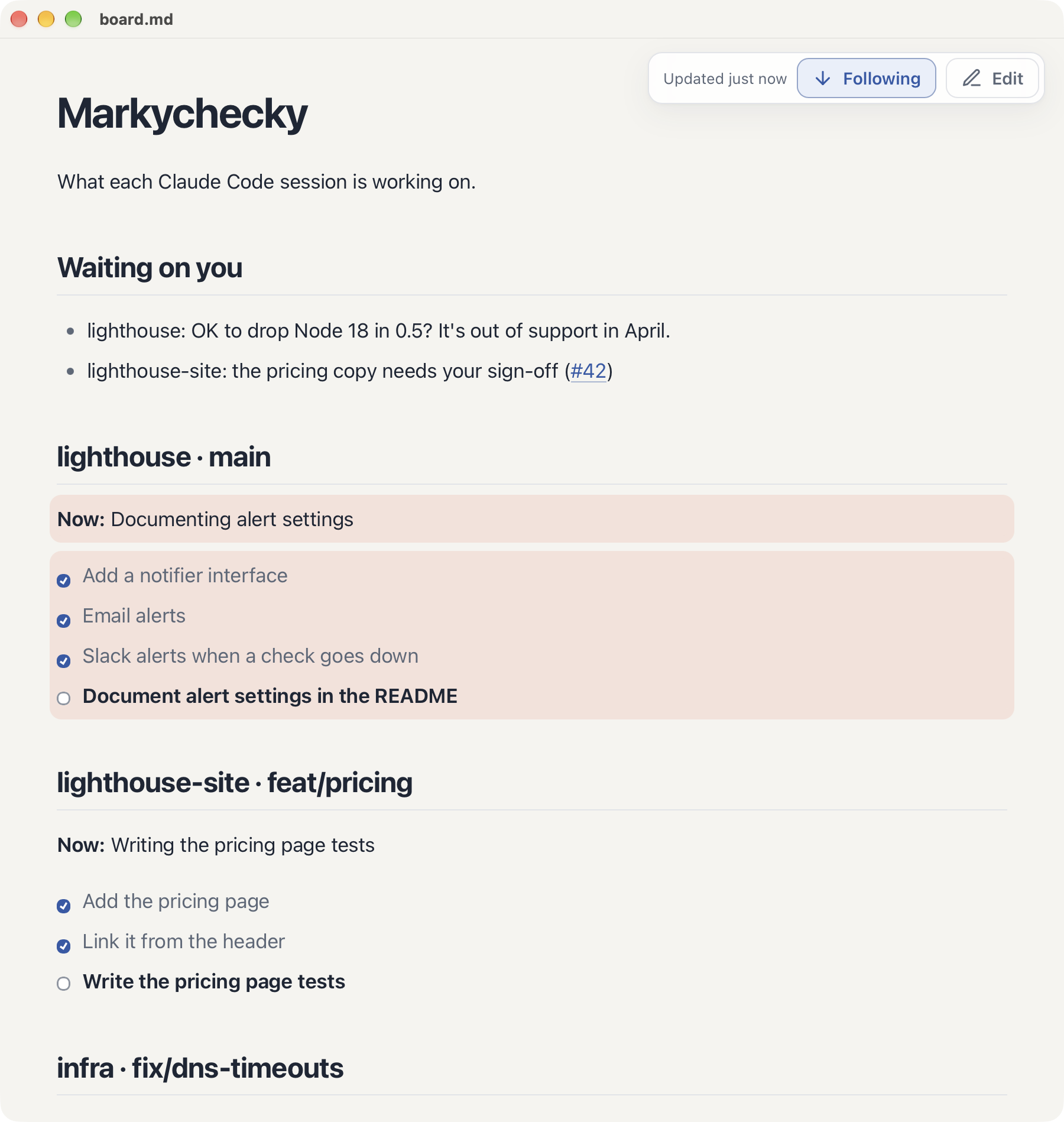
A live board of every Claude Code session. markychecky is a Claude Code plugin from the same repository. It keeps one markdown file with a section for each session: what it's working on now, and its checklist, ticked off as it goes. Open the board in Markydowny and watch your agents work, with a "Waiting on you" section at the top for the questions that need you. It installs with one command.
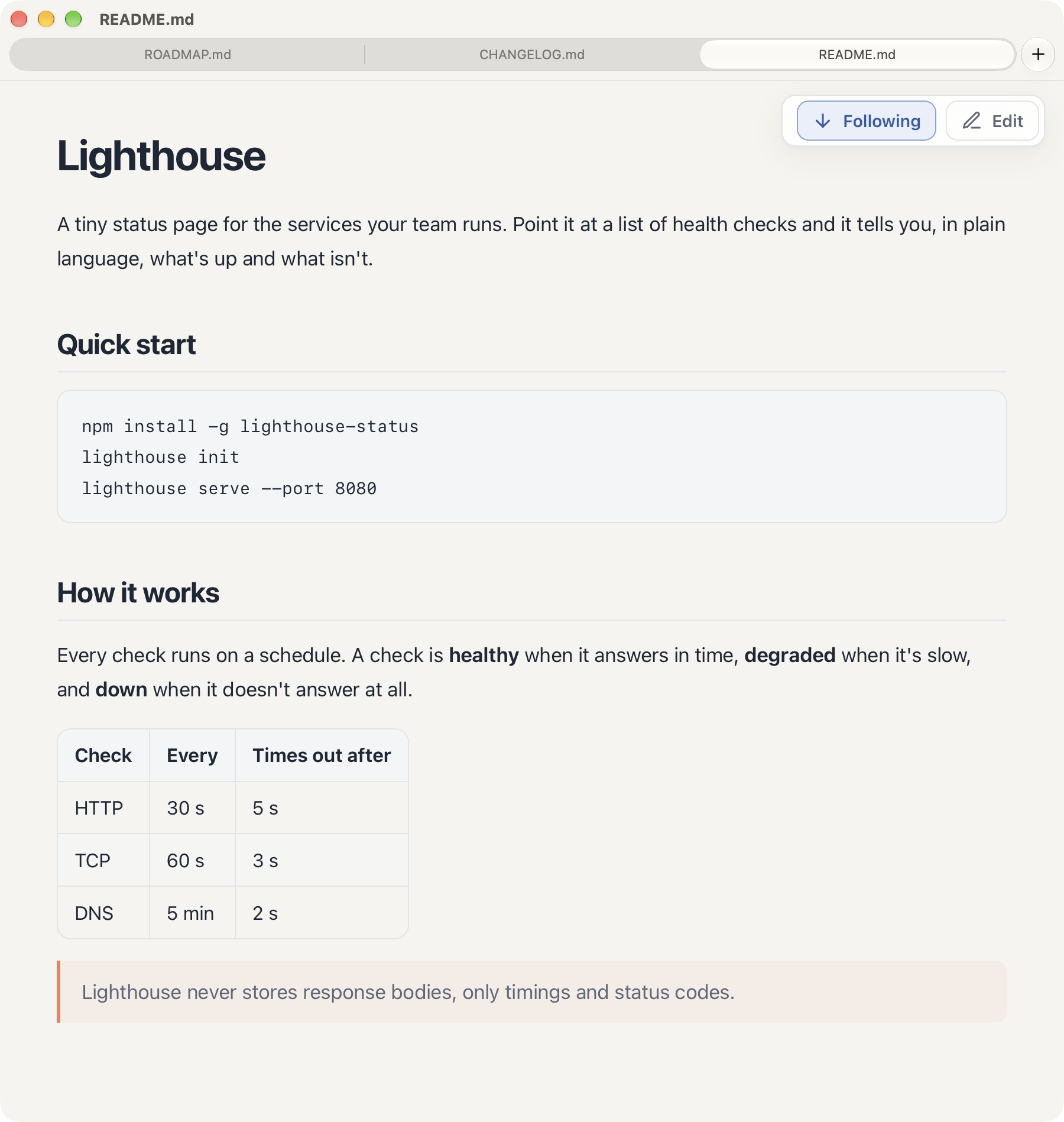
Tabs, the macOS way. Documents open as native window tabs in the macOS app. Open several files at once and you get one window with a tab per file, or open all of a dropped folder's files as tabs. Drag a tab out to its own window or into another one, and merge windows from the Window menu.
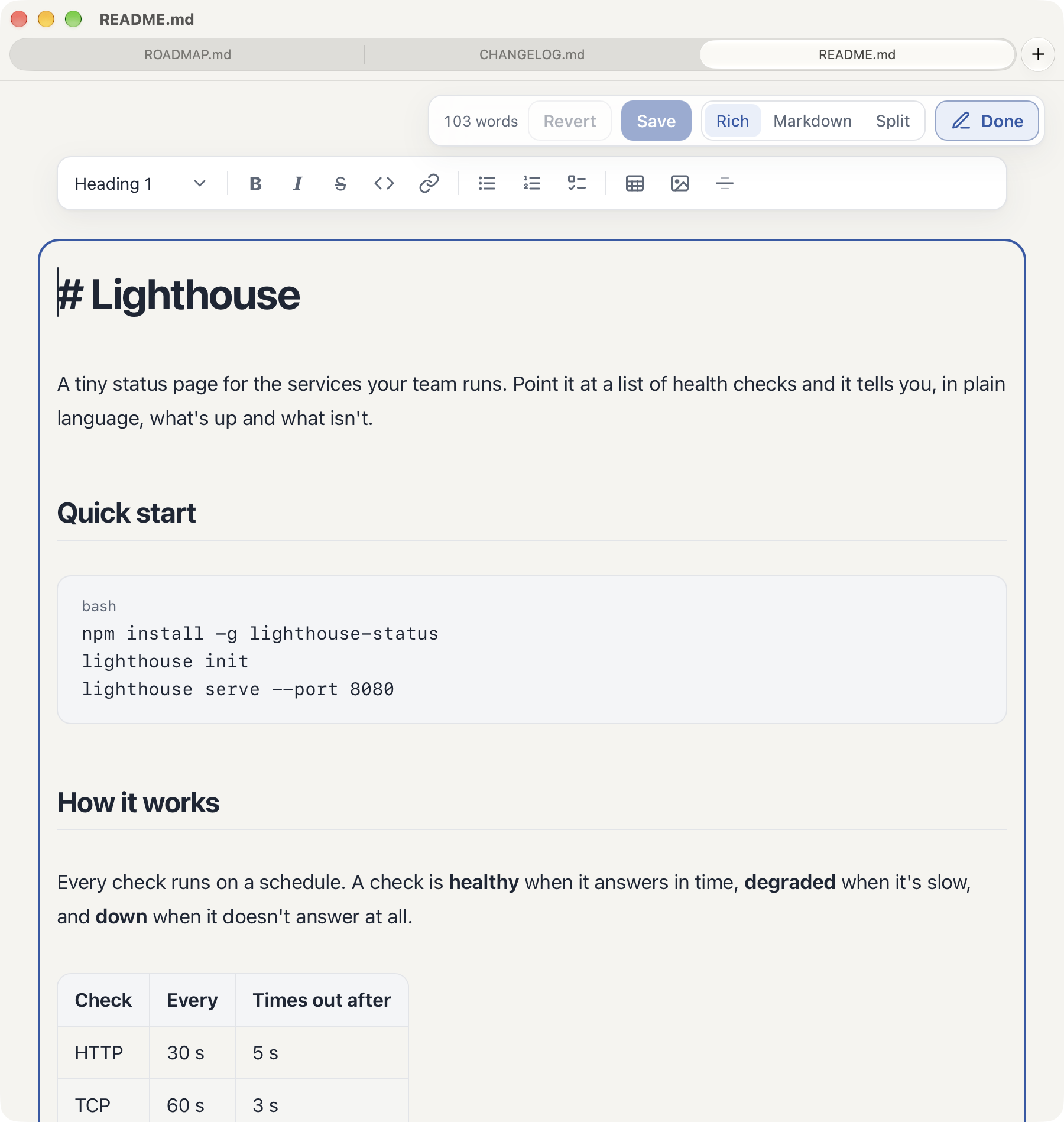
An editor that only changes what you change. A pencil button switches any document into an editor built on CodeMirror 6, with markdown as the only document model. Rich mode shows formatting in place and reveals the markdown syntax on the line you're editing. Markdown mode shows the raw source. A toolbar and keyboard shortcuts handle formatting in both, and saving writes back only the bytes you edited. The macOS app saves in place, and so do Chrome and Edge for a file opened with the file picker; Safari and Firefox download the file.
The website is still pure HTML, CSS and JavaScript with no build step, and works offline after the first load. The macOS app wraps the same code with Tauri and adds crash reporting with BugSplat.
Technology Stack
- HTML / CSS / JavaScript
- marked.js for parsing
- CodeMirror 6 for editing
- Tauri 2 and Rust for the macOS app
- File API for drag-and-drop
- File System Access API in Chromium browsers
- BugSplat crash reporting
- Static hosting (no server)
Key Features
- Drag-and-drop files & folders
- Live reload with change highlighting
- Watch Claude Code edit in real time
- A live board of every Claude Code session (markychecky)
- Native macOS window tabs
- Rich and Markdown editing modes
- Formatting toolbar, split view, find & replace
- Relative image path resolution
- Works offline
Need a Developer Tool Built?
Web, desktop or agent-powered, let's talk about a tool that fits your workflow.